

Blog Posts
Create blog posts to share news, product updates, and industry content with your customers.
Overview
The blogging system allows you to:
- Write and publish articles with rich content
- Organize content into blog categories
- Schedule articles for future publication
- Organize content with tags
- Customize URLs with SEO-friendly handles
In This Section
- Blog Categories - Organize posts into blogs
- Managing Articles - Write and edit articles
- Scheduling - Schedule articles for future publication
- Tags - Organize articles with tags
Store URLs
Blog posts are accessible at the following URLs:
| URL | Description |
|---|---|
/blogs |
List of all active blogs |
/blogs/{blog-handle} |
Blog listing with articles |
/blogs/{blog-handle}/{article-handle} |
Single article page |
/blogs/{blog-handle}/tagged/{tag} |
Articles filtered by tag |
Getting Started
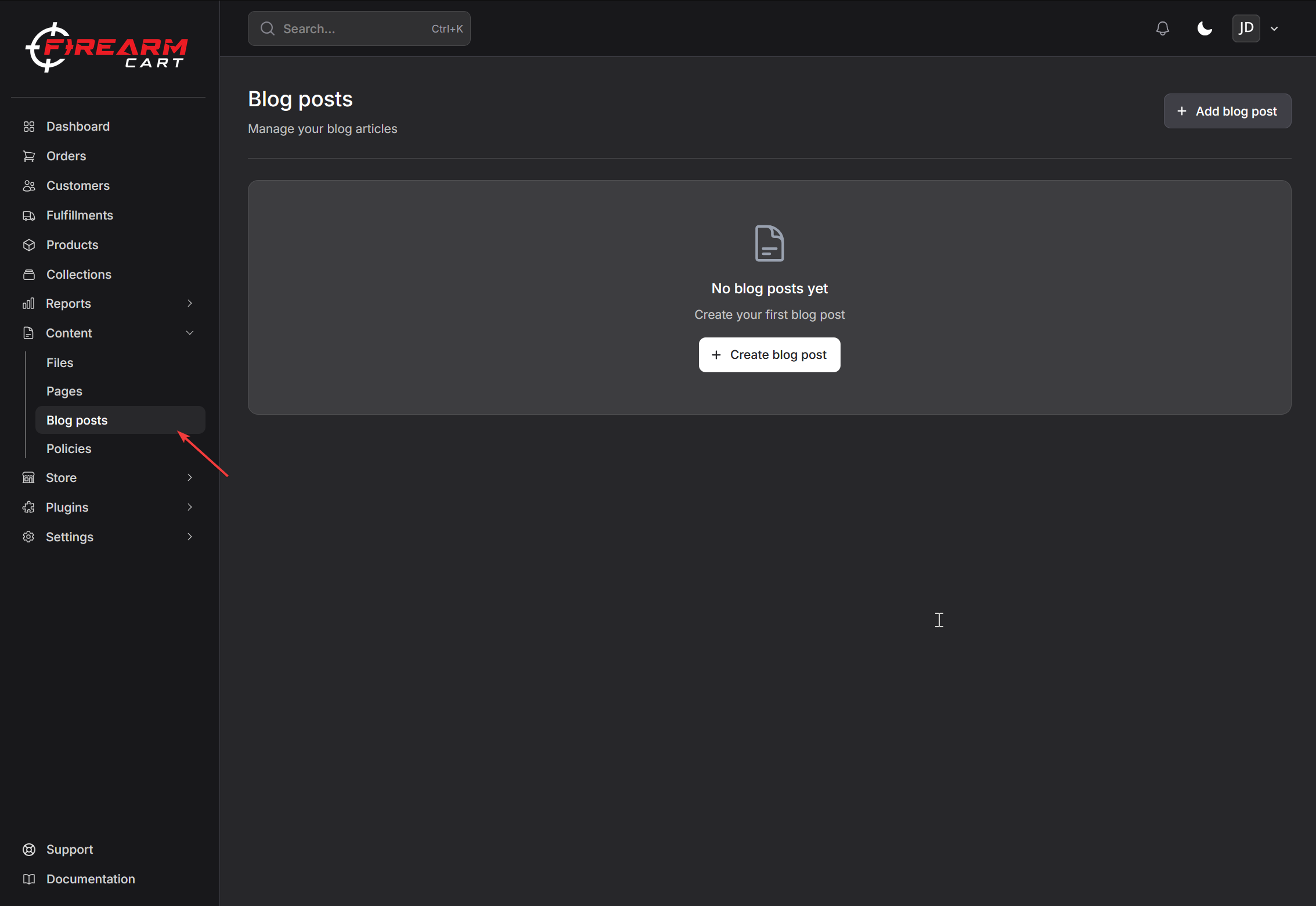
- Navigate to Content > Blog posts
- Click Add blog post
- Select or create a blog category
- Enter your article content
- Save or publish the article
A default "News" blog is automatically created if you don't have any blogs yet.