

Product Media
Add images to showcase your products.
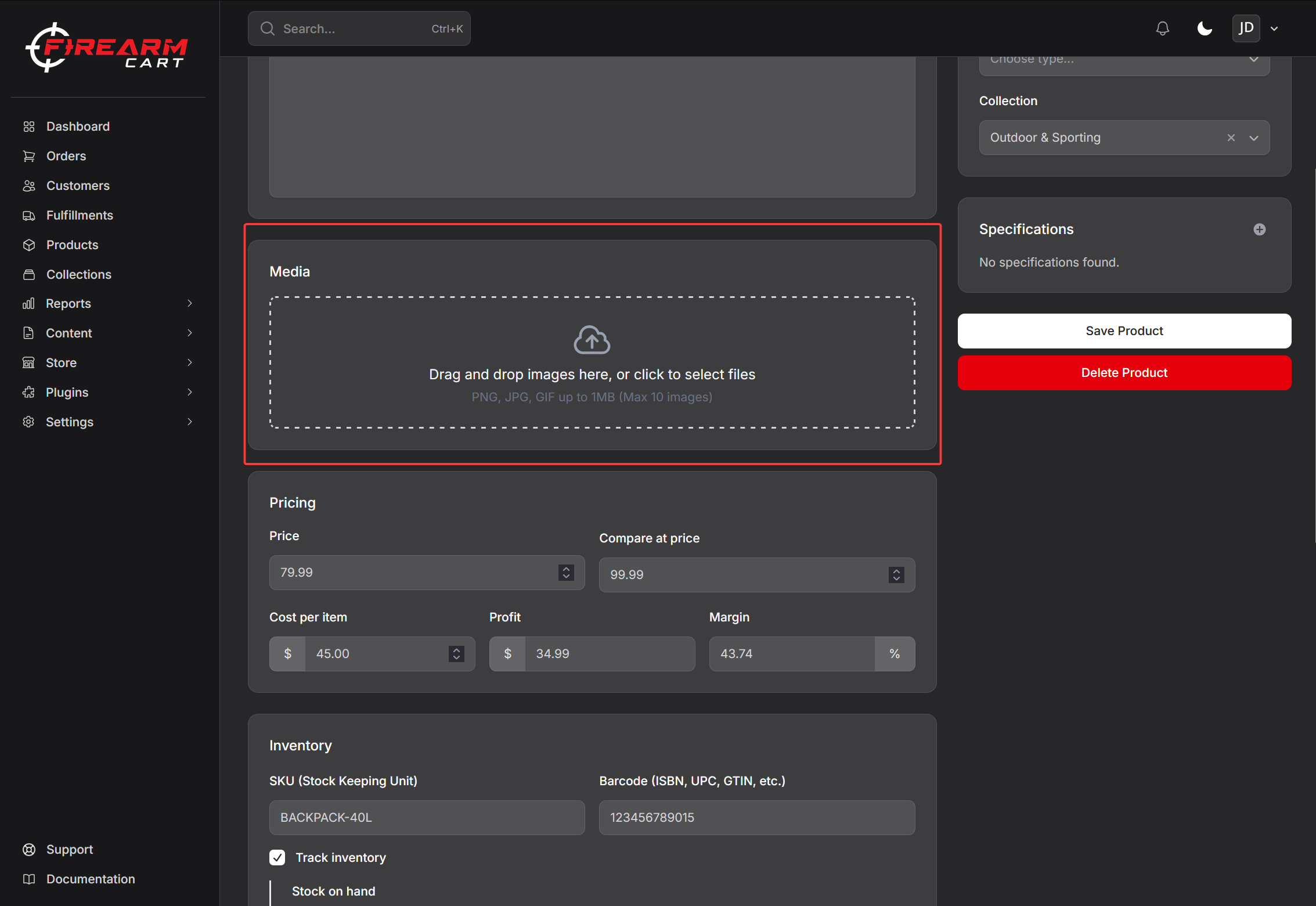
Image Requirements
| Specification | Recommendation |
|---|---|
| Format | JPG, PNG, WebP |
| Recommended size | 2048 x 2048 pixels |
| Maximum file size | 20 MB |
| Aspect ratio | Square (1:1) recommended |
Uploading Images
- Edit the product
- Scroll to Media section
- Click the upload area or drag and drop files
- Wait for upload to complete
- Save product
Bulk Upload
Select or drag multiple files at once to upload them all.
Managing Images
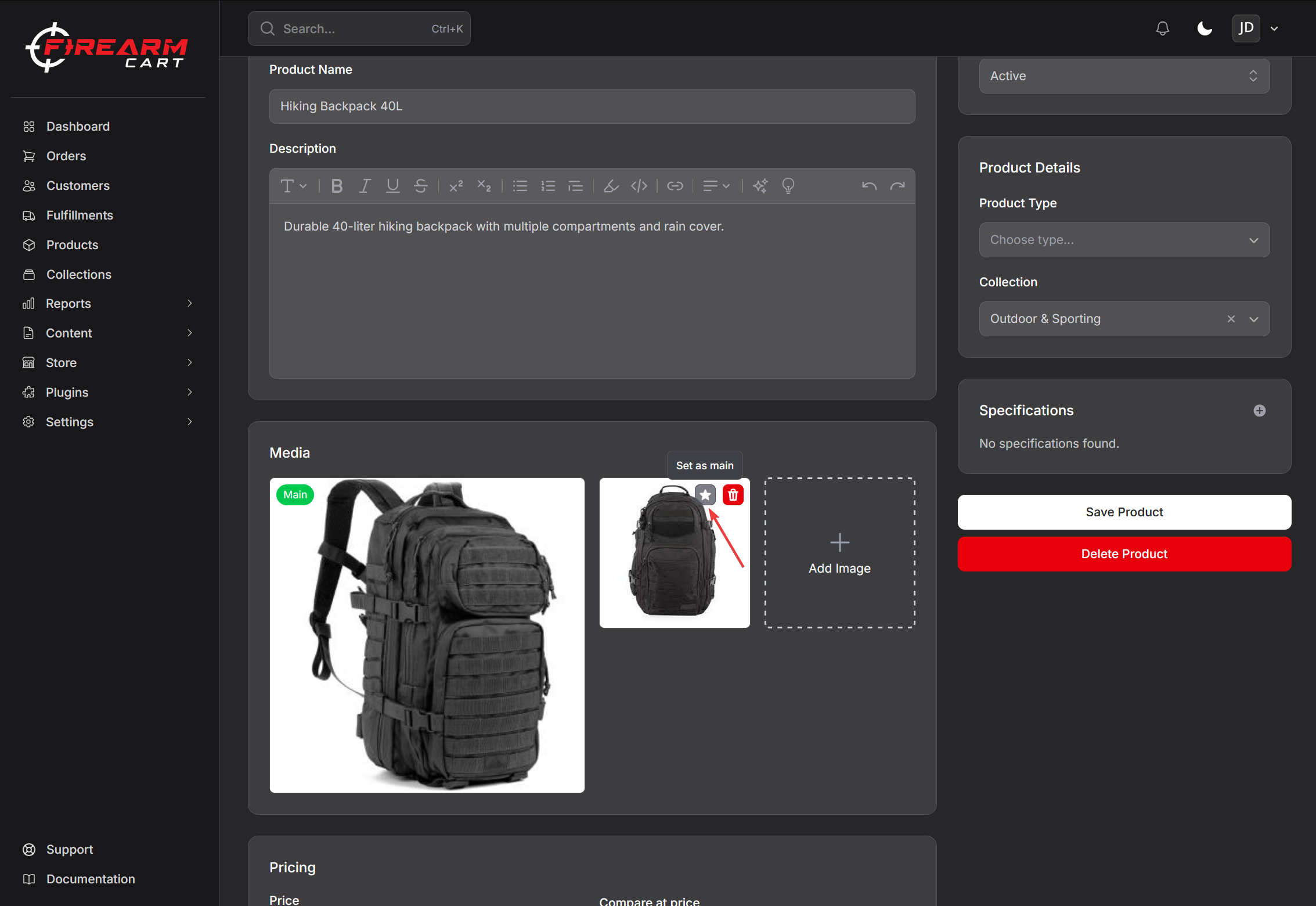
Setting the Main Image
The first image becomes the main/featured image:
- Hover over an image
- Click Set as Main (or drag to first position)
- Save
The main image displays in:
- Product listings
- Cart
- Product page (default)
Reordering Images
Drag images to change their display order.
Deleting Images
- Hover over the image
- Click the delete button
- Confirm deletion
- Save
Warning: Deleted images cannot be recovered.
Variant Images
Assign images to specific variants:
- Upload all images to the product
- Open a variant
- Select which images belong to this variant
- Save
When customers select a variant, the assigned images display.
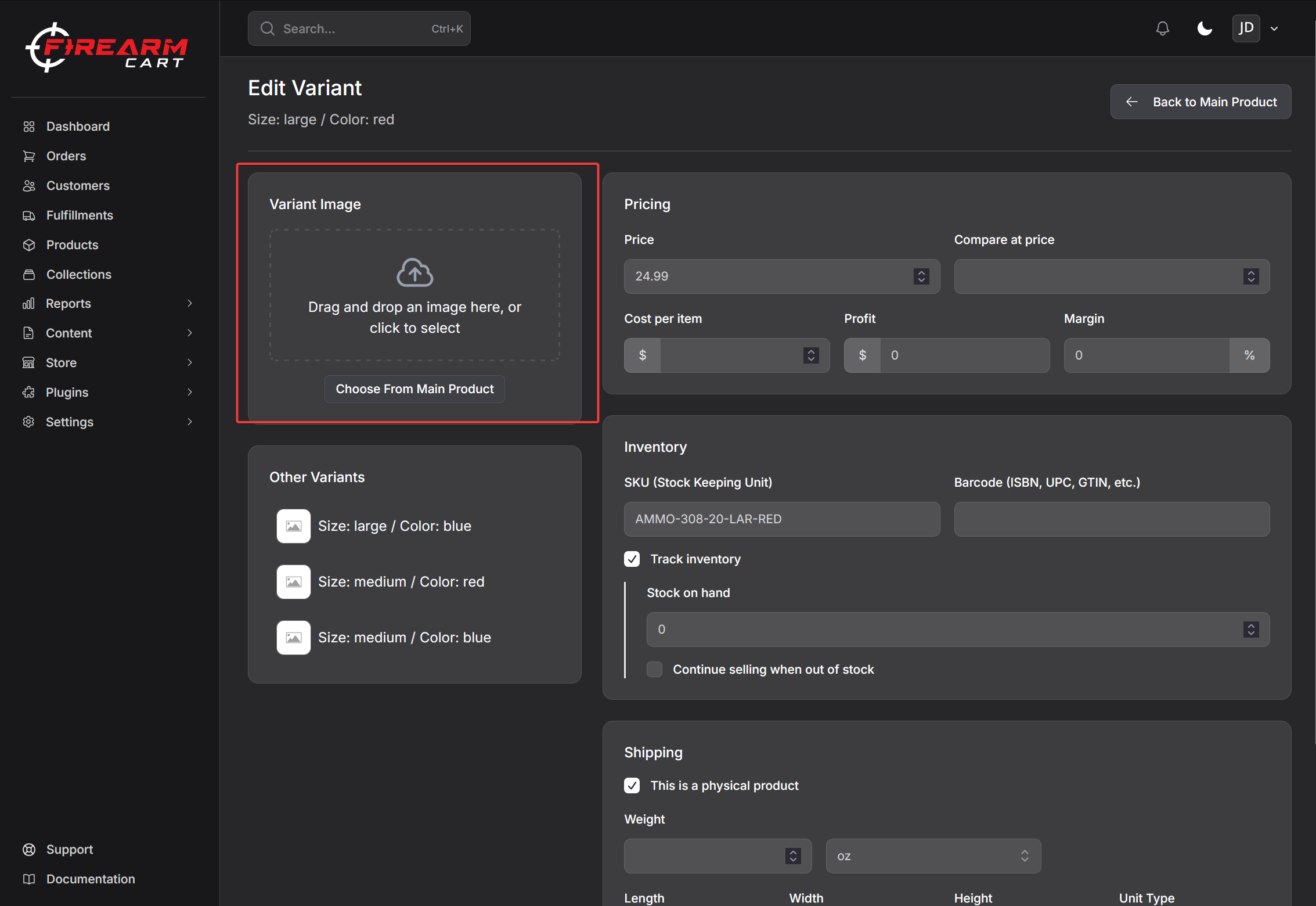
Image Optimization
FirearmCart automatically:
- Generates multiple sizes (thumbnail, medium, large)
- Optimizes for fast loading
- Serves images from CDN
Photography Tips
Recommended Angles
| Angle | Purpose |
|---|---|
| Right side | Primary view |
| Left side | Alternate view |
| Top-down | Shows controls |
| 45-degree | Dynamic angle |
| Detail shots | Texture, features |
Best Practices
- Use consistent lighting
- White or neutral background
- High resolution source files
- Multiple angles (3-5 images per product)
Troubleshooting
Images Not Uploading
- Check file size is under 20 MB
- Verify file format (JPG, PNG, WebP)
- Try a different browser
Images Not Displaying
- Verify upload completed
- Clear browser cache
- Re-upload the image
Related Documentation
- Creating Products - Basic product setup
- Product Variants - Variant images