

Taxes
Set up tax zones to automatically calculate and collect sales tax from customers based on their location.
How Taxes Work
- You create tax zones (groups of states with a tax rate)
- When a customer checks out, the system checks their state
- If their state is in a tax zone, tax is added to their order
Tax Zones
Viewing Your Zones
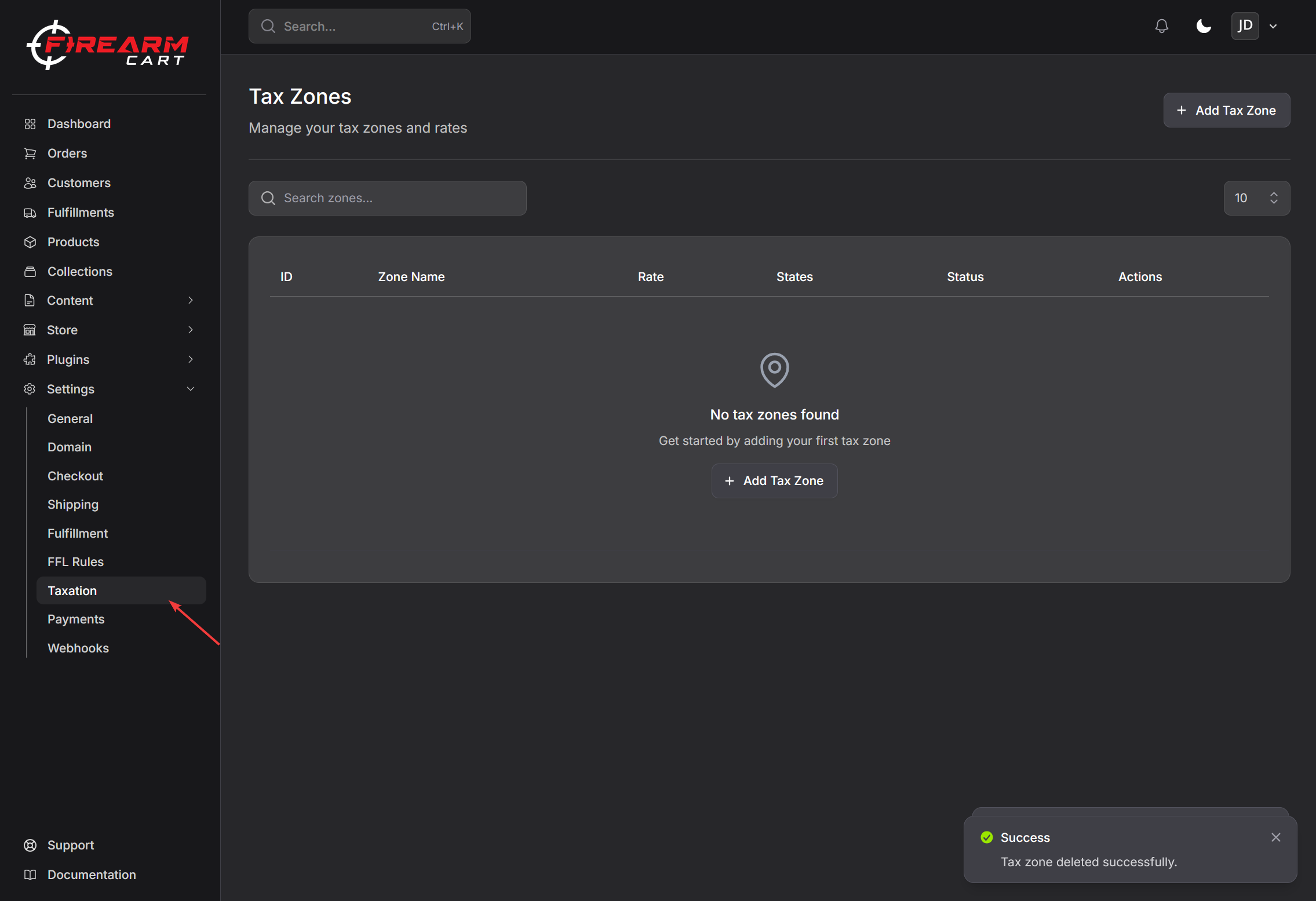
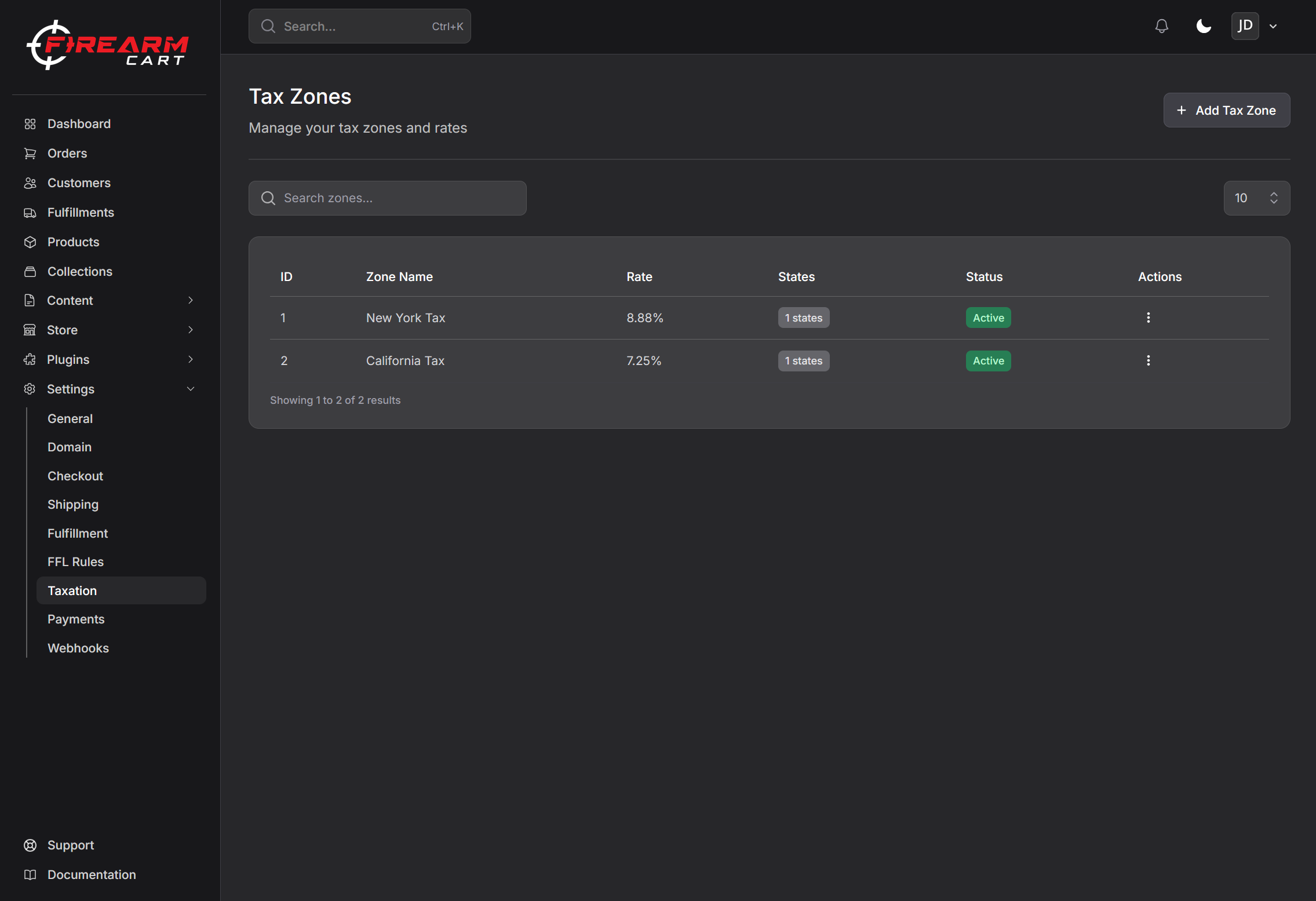
Go to Settings > Taxation to see all your tax zones.
Each zone shows:
- Zone name
- Tax rate
- States included
- Whether it's enabled
Creating a Tax Zone
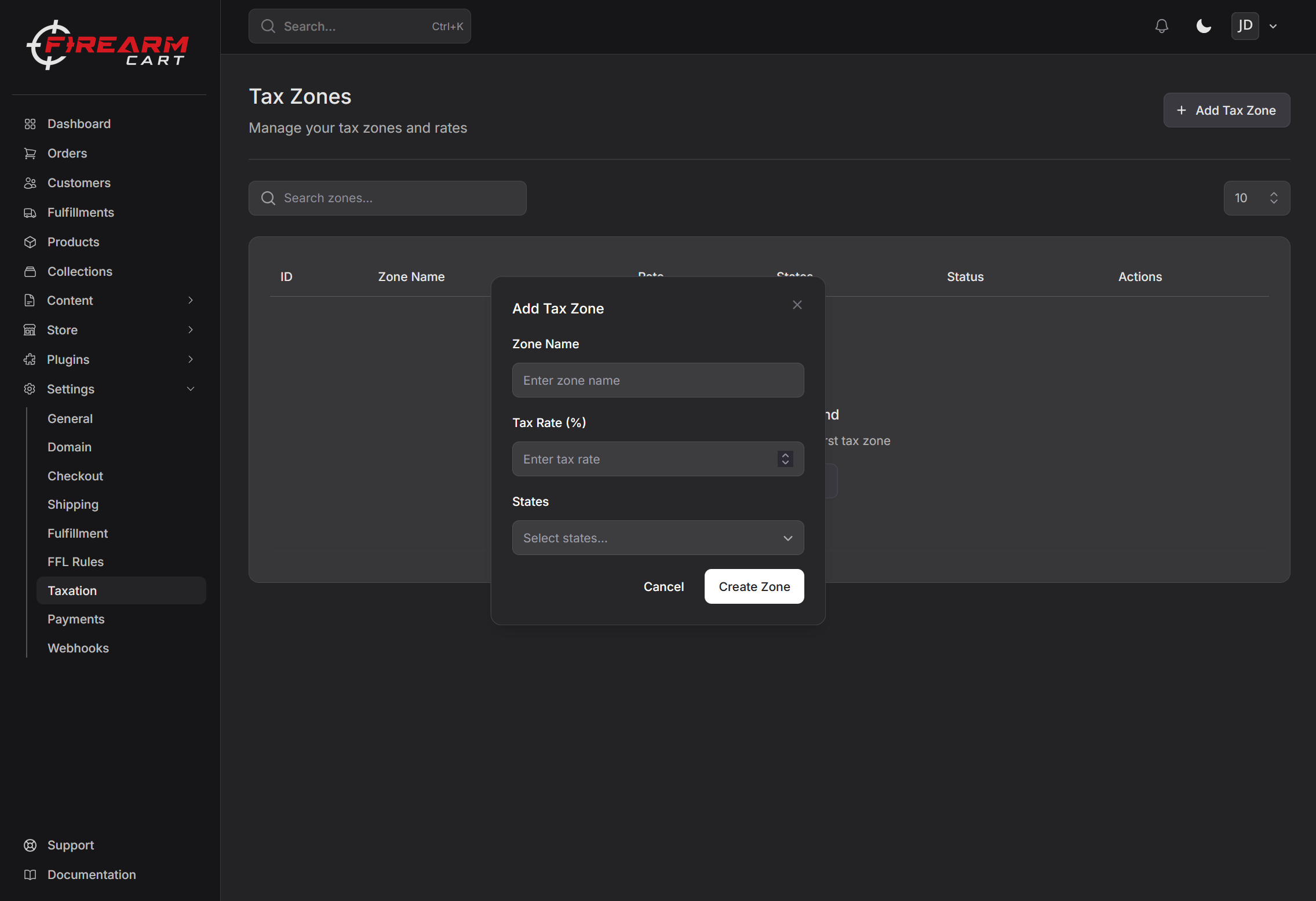
- Go to Settings > Taxation
- Click Add Zone
- Enter a zone name (e.g., "Texas Sales Tax")
- Enter the tax rate (e.g., 8.25%)
- Select the states this rate applies to
- Click Save
Editing a Tax Zone
- Click on a tax zone to open it
- Update the name, rate, or states
- Click Save
Enabling/Disabling a Zone
You can turn zones on or off:
- Enabled - Tax is collected for orders to these states
- Disabled - No tax collected for these states
Deleting a Zone
- Open the tax zone
- Click Delete
- Confirm deletion
Understanding Tax Rates
What Rate to Use
Tax rates vary by state and sometimes by county or city. Use the rate for your business location or where you have nexus.
Common considerations:
- Your state's sales tax rate
- Any local taxes that apply
- Special rates for certain products
Note: Consult with a tax professional for accurate rates. Tax laws are complex and vary by jurisdiction.
Example Setup
| Zone Name | Rate | States |
|---|---|---|
| Texas | 8.25% | TX |
| Florida | 6.00% | FL |
| No Tax States | 0% | MT, NH, OR, DE, AK |
Avalara Integration
If you use Avalara AvaTax for automated tax calculation, see the Avalara AvaTax integration guide for setup, tax code mapping, customer exemption handling, and refund/void behavior.
Avalara can:
- Automatically calculate accurate rates
- Handle complex multi-jurisdiction taxes
- Stay updated with tax law changes
- Validate addresses and capture lat/long
- Manage exemption certificates and entity / use codes
Tax Nexus Basics
You must collect sales tax in states where you have "nexus" (a tax obligation).
When You Have Nexus
- States where you have a physical location
- States where you exceed sales thresholds (typically $100,000 or 200 transactions)
Important: Tax laws vary by state. Consult a tax professional to determine your specific obligations.
Common Questions
Do I need to collect tax in every state?
Only in states where you have nexus. This typically includes your home state and states where you exceed certain sales thresholds.
What about ammunition and firearms?
Tax laws for firearms and ammunition vary by state. Some states exempt certain items. Check with a tax professional for your specific situation.
Related Documentation
- Shipping - Configure shipping zones
- Checkout Settings - Configure checkout options
- Store Information - Business details