

Shipping
Set up shipping zones and rates to control how much customers pay for shipping based on their location and order.
How Shipping Works
- You create shipping zones (groups of states)
- Each zone has shipping rates (costs for shipping to that zone)
- At checkout, customers see rates based on their location
Shipping Zones
Viewing Your Zones
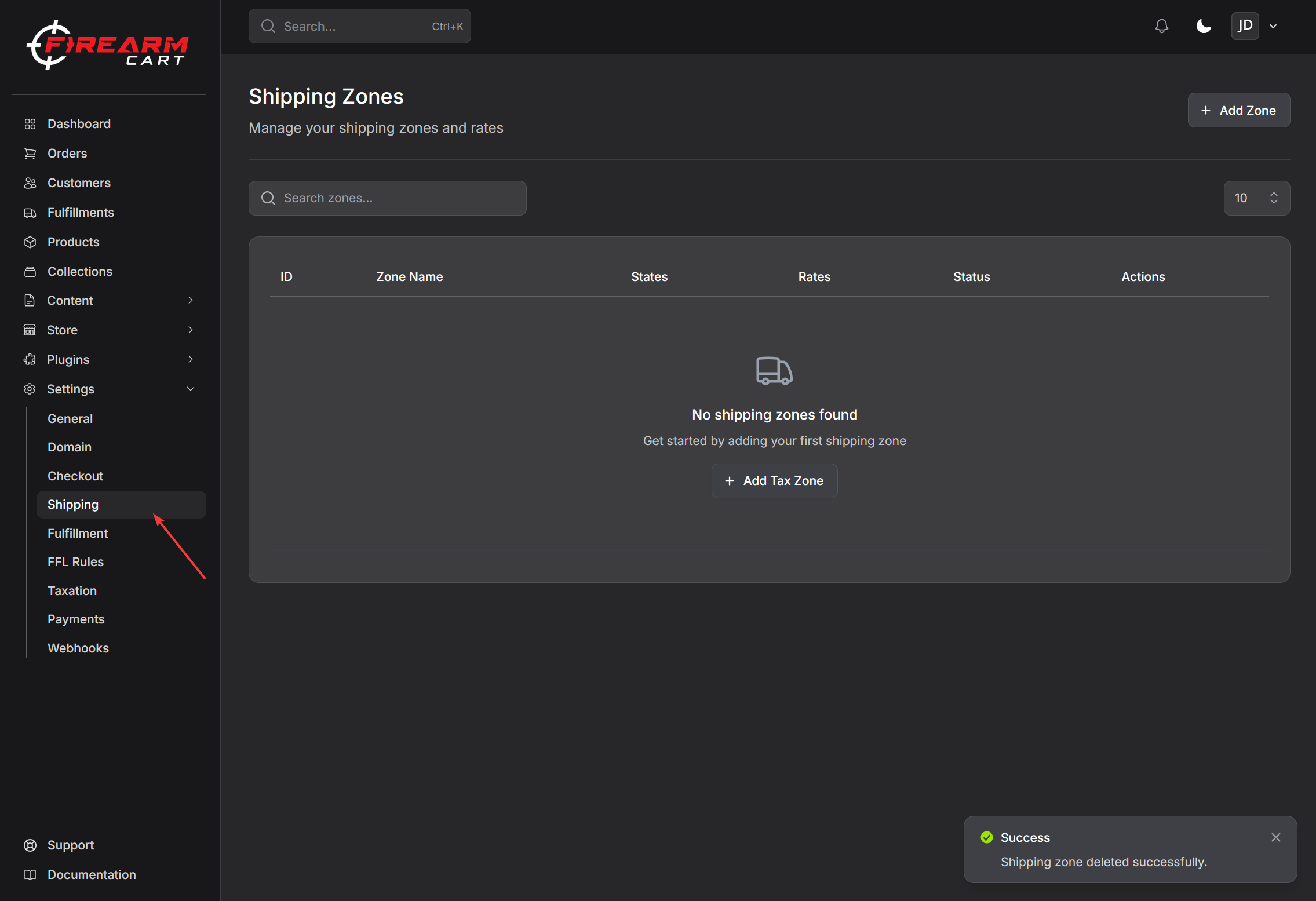
Go to Settings > Shipping to see all your shipping zones.
Each zone shows:
- Zone name
- Whether it's enabled
- States included
Creating a Zone
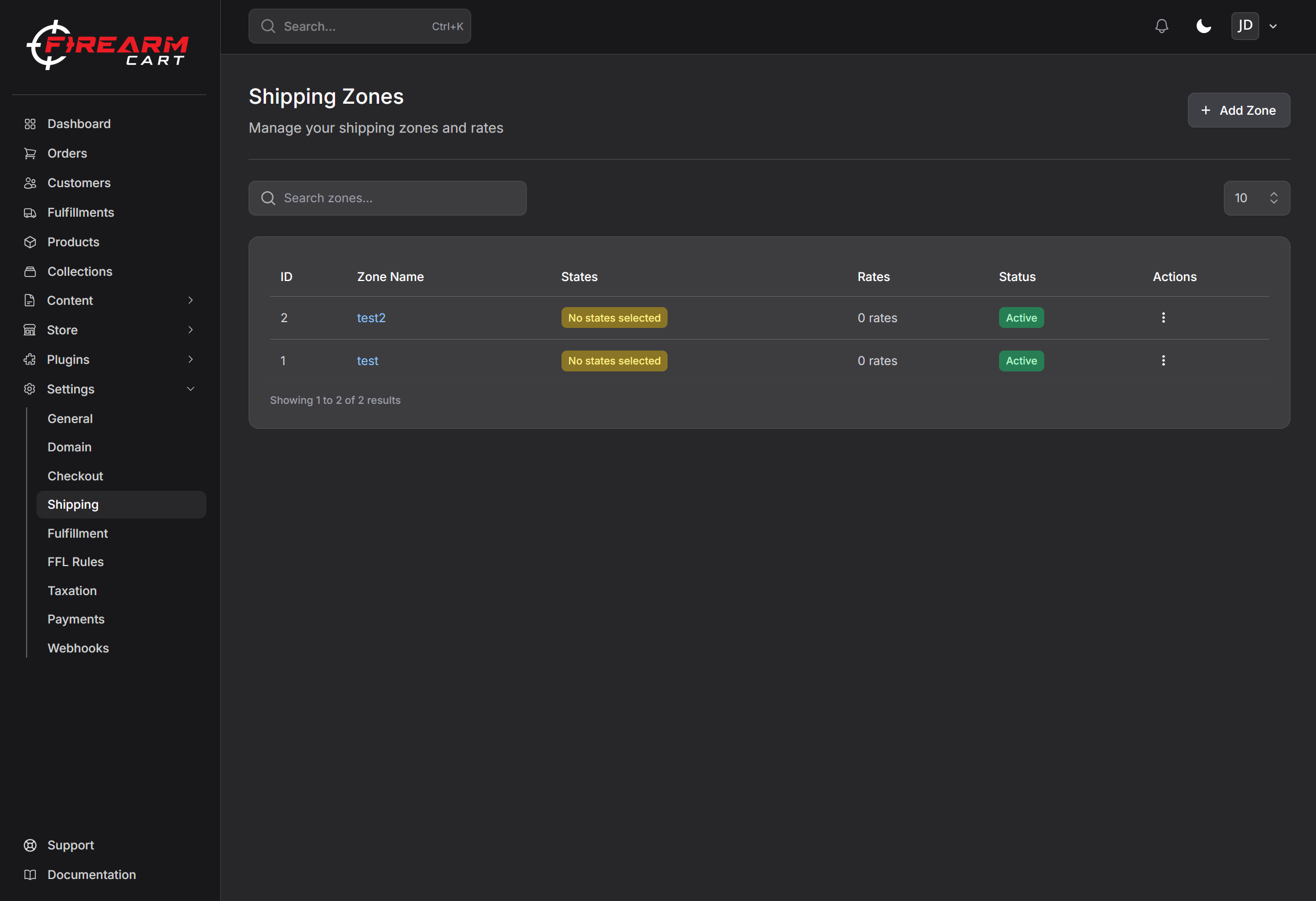
- Go to Settings > Shipping
- Click Add Zone
- Enter a zone name (e.g., "West Coast")
- Click Create Zone
Editing a Zone
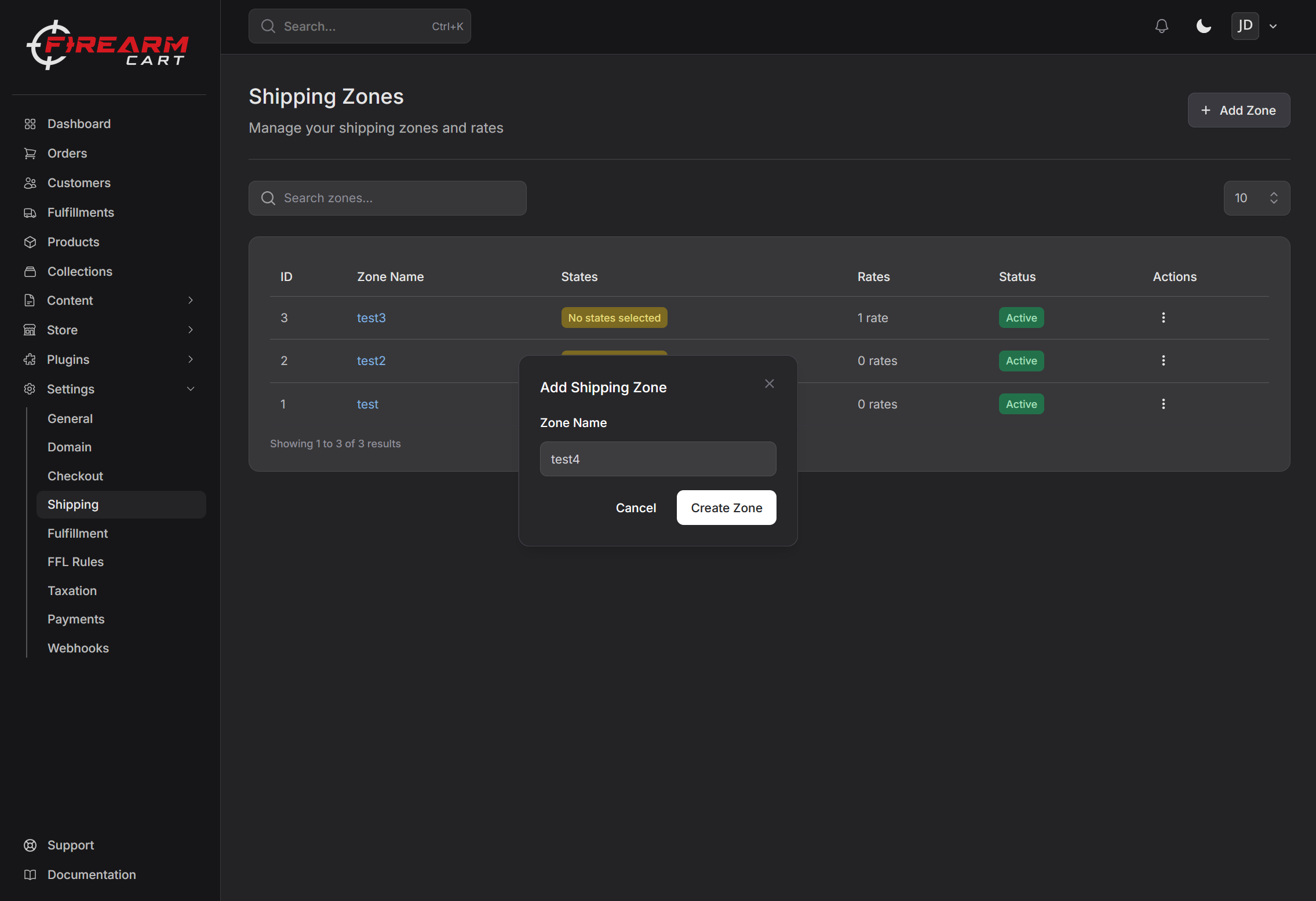
- Click on a zone to open it
- Add or remove states
- Add or remove shipping rates
Enabling/Disabling a Zone
You can enable or disable zones without deleting them:
- Enabled - Customers in these states can order
- Disabled - Customers in these states cannot checkout
Deleting a Zone
- Click the three dots (...)
- Click Delete
- Confirm deletion
Warning: Deleting a zone also deletes all its shipping rates.
Shipping Rates
Each zone can have multiple shipping rates that customers choose from at checkout.
Viewing Rates
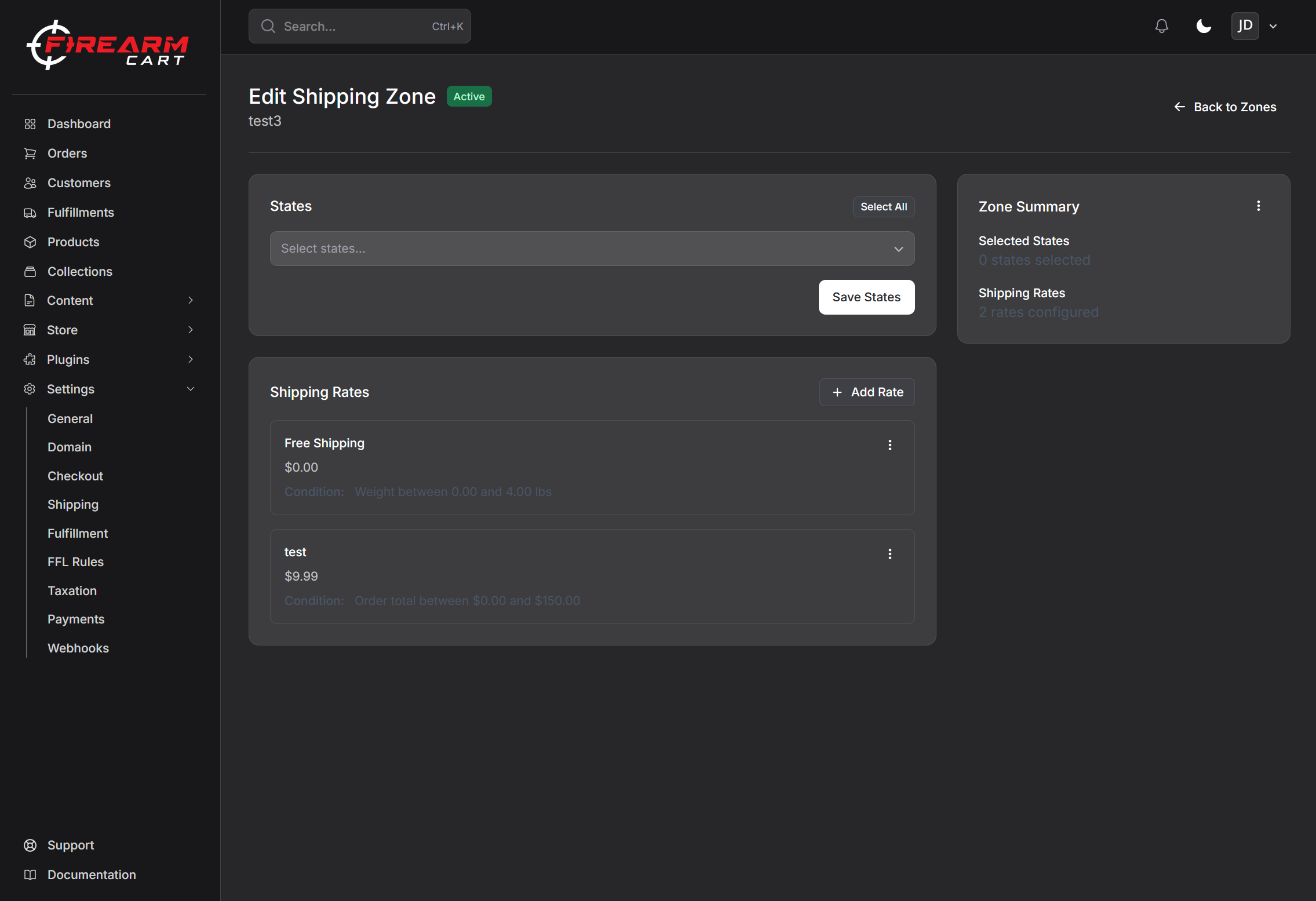
Open a shipping zone to see its rates.
Creating a Rate
- Open a shipping zone
- Click Add Rate
- Enter rate details:
- Name - What customers see (e.g., "Standard Ground")
- Price - The shipping cost
- Condition - When this rate applies (optional)
- Click Save
Rate Conditions
You can set conditions so rates only apply in certain situations:
Price-Based
Rate applies based on order total:
| Example | Condition |
|---|---|
| Small orders | $0 - $99 |
| Medium orders | $100 - $199 |
| Large orders | $200+ |
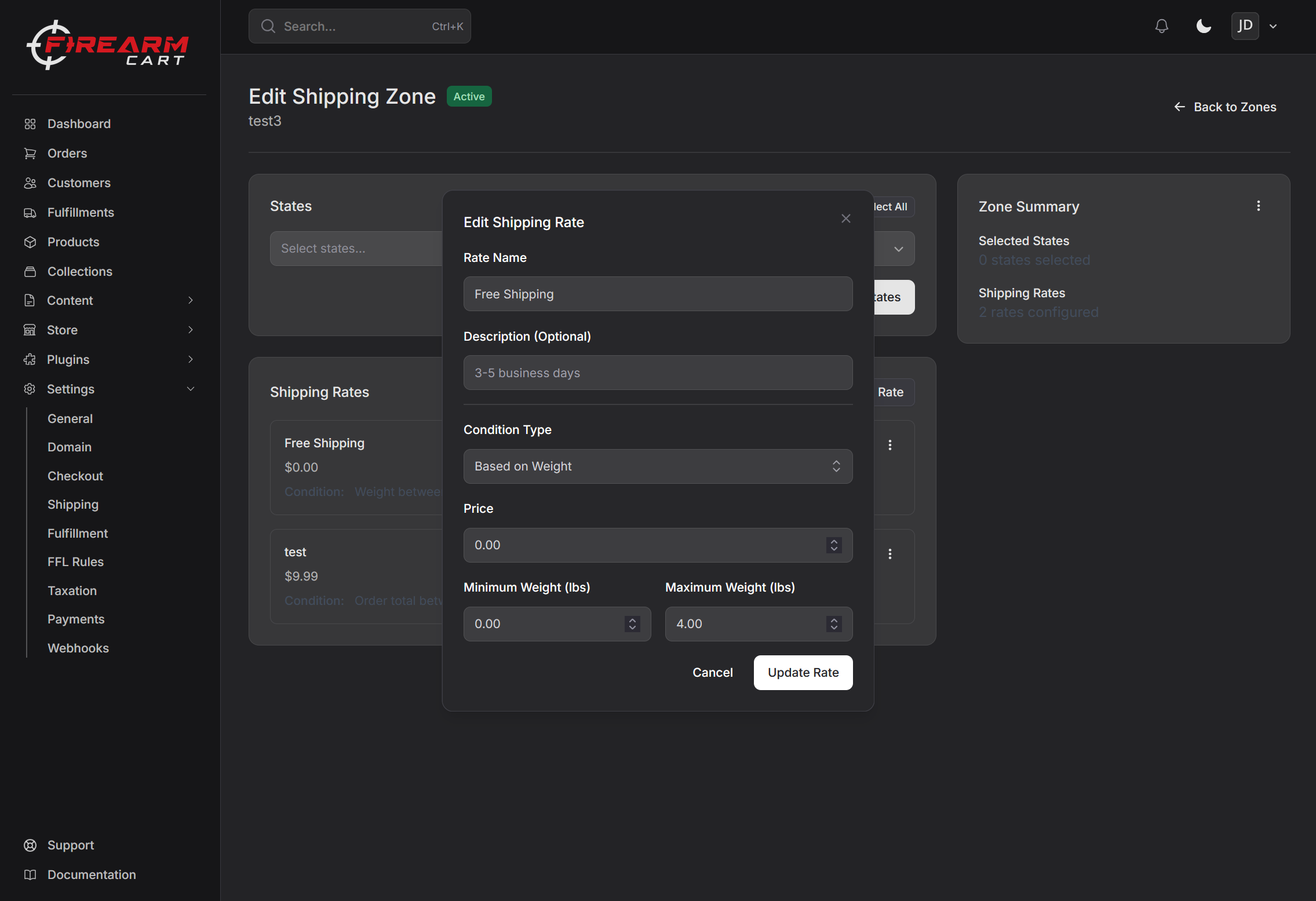
Weight-Based
Rate applies based on order weight:
| Example | Condition |
|---|---|
| Light packages | 0 - 5 lbs |
| Medium packages | 5 - 20 lbs |
| Heavy packages | 20+ lbs |
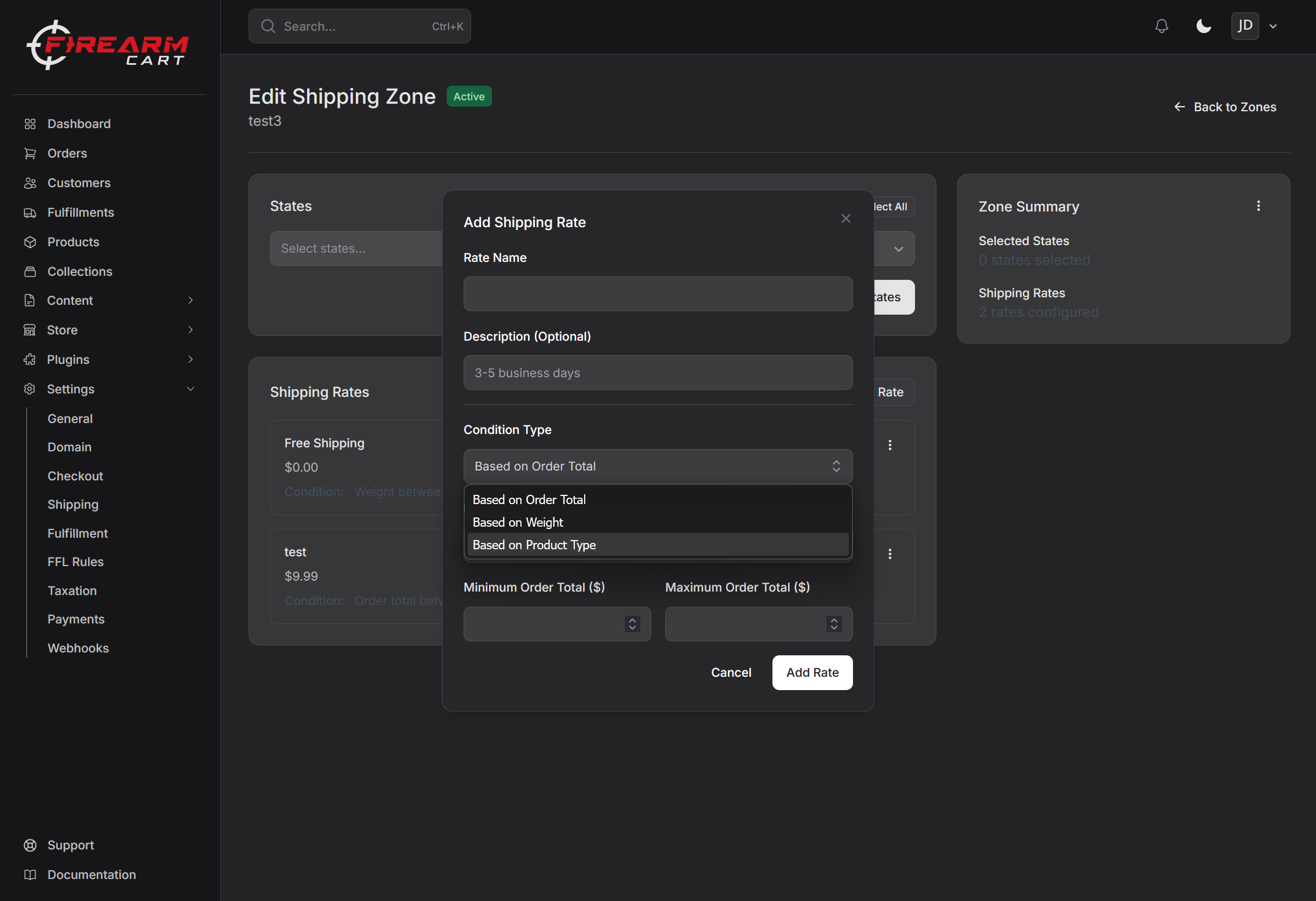
Product Type Based
Rate is calculated by combining costs for each product category in the cart. This is ideal for stores selling firearms and related products with different shipping requirements.
Product Categories:
| Category | Products Included |
|---|---|
| Handguns | Pistols, revolvers, semi-auto handguns |
| Long Guns | Rifles, shotguns, muzzleloaders |
| Ammunition | All ammunition types |
| Accessories | Everything else (optics, parts, magazines, cases, etc.) |
How it works:
When you create a product type rate, you set a price for each category. At checkout, the shipping cost is calculated by adding together the rates for each category present in the cart.
Example:
| Category | Rate |
|---|---|
| Handguns | $20.00 |
| Long Guns | $25.00 |
| Ammunition | $15.00 |
| Accessories | $10.00 |
If a customer orders a handgun ($20) and ammunition ($15), their shipping cost would be $35.00.
Tip: Products are automatically categorized based on their product type. Any unmapped product types default to the Accessories category.
Setting Up Free Shipping
To offer free shipping over a certain amount:
- Create a rate with price $0
- Set condition: Price-based, minimum $150 (or your threshold)
- Name it "Free Shipping (Orders over $150)"
Example Zone Setup
Zone: Continental US
| Rate Name | Price | Condition |
|---|---|---|
| Standard Ground | $8.99 | Orders under $100 |
| Free Shipping | $0.00 | Orders $100+ |
| Express (2-3 days) | $15.99 | Any order |
Zone with Product Type Pricing
| Rate Name | Condition | Handguns | Long Guns | Ammo | Accessories |
|---|---|---|---|---|---|
| Ground Shipping | Product Type | $20.00 | $25.00 | $15.00 | $10.00 |
With this setup:
- A handgun order ships for $20
- A rifle + ammo order ships for $40 ($25 + $15)
- An accessories-only order ships for $10
Tips
Zone Strategy
- Start simple - Create one zone for all states, add more later
- Group by cost - States with similar shipping costs in one zone
- Separate restricted states - Create zones for states with restrictions
Rate Strategy
- Offer free shipping threshold - Encourages larger orders
- Keep it simple - Too many options can confuse customers
- Cover your costs - Make sure rates cover actual shipping costs
Firearms and Ammunition
For regulated products, remember:
- Firearms - Must ship via UPS or FedEx (not USPS)
- Handguns - Require Next Day Air shipping
- Ammunition - Ground only, ORM-D labeling required
These requirements are handled at fulfillment, not in rate configuration.
See Shipping Firearms for regulations.
Troubleshooting
No Shipping Options at Checkout
- Check if the customer's state is in a shipping zone
- Verify the zone is enabled
- Make sure rates exist for the zone
Wrong Rates Showing
- Check rate conditions (weight/price)
- Verify product weights are set correctly
- Review rate min/max values
Related Documentation
- Checkout Settings - Configure checkout options
- Shipping Firearms - Firearm shipping regulations
- Taxes - Configure tax rates