

Lipseys Integration
Connect your FirearmCart store with Lipseys for product import and dropship fulfillment.
Features
| Feature | Description |
|---|---|
| Product import | Import products from Lipseys catalog |
| Inventory sync | Automatic stock level updates |
| Dropship orders | Orders submitted to Lipseys automatically |
| Tracking sync | Tracking numbers sync back to orders |
Prerequisites
Before connecting, you need:
- Active Lipseys dealer account
- Valid FFL license
- API access (request from Lipseys)
- Email and password credentials
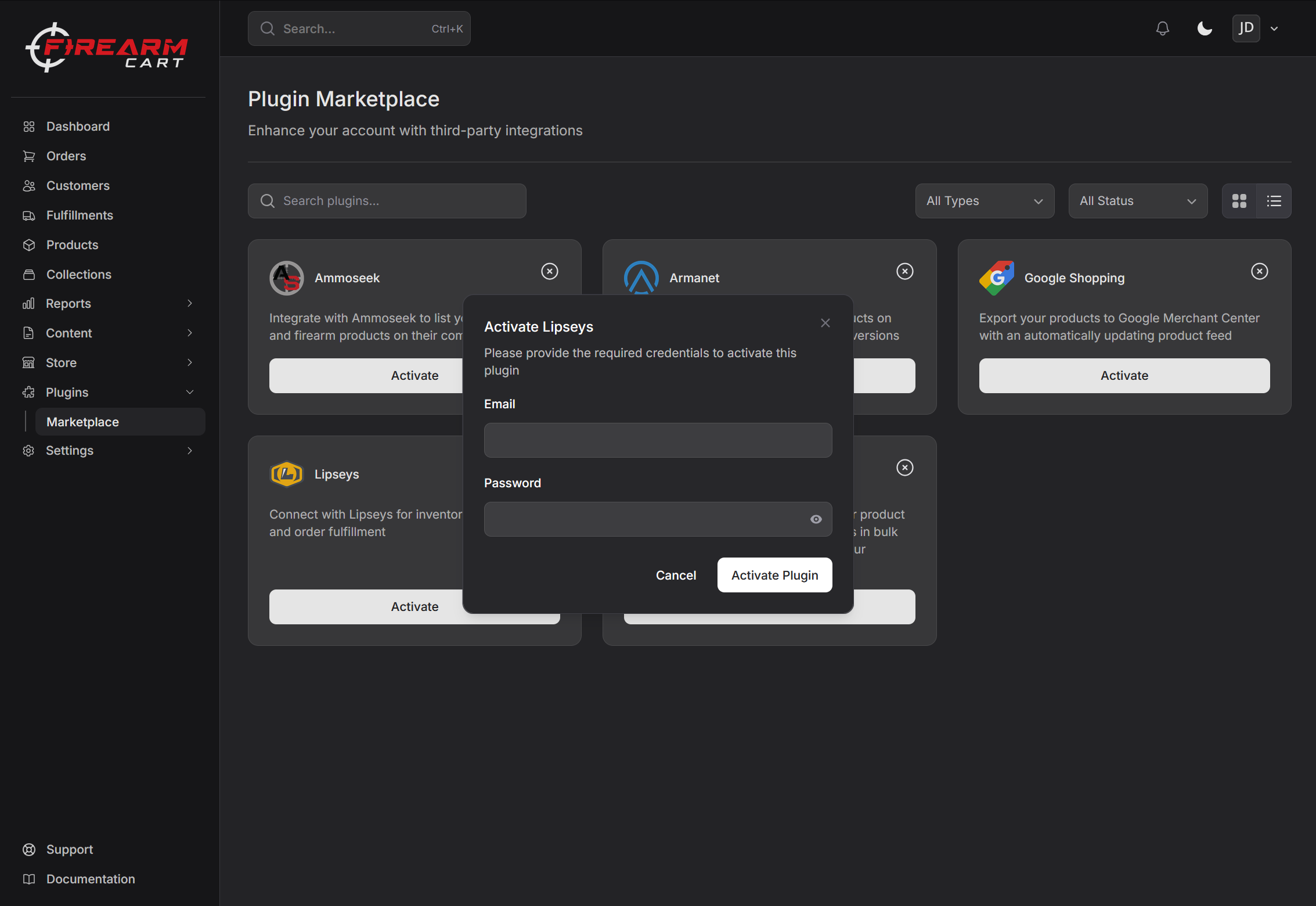
Setting Up
- Navigate to Settings > Integrations
- Find Lipseys
- Click Connect
- Enter your credentials
- Click Test Connection
- If successful, click Save
Importing Products
- Go to Settings > Integrations > Lipseys
- Click Import Products
- Search or filter products by manufacturer or category
- Select products to import
- Click Import
Product Information
Imported products include:
- Name and description
- SKU and UPC
- Pricing (cost, MSRP, MAP)
- Stock quantity
- Weight and dimensions
- Images
- Specifications
Inventory Sync
Stock levels automatically sync from Lipseys:
- Updates happen periodically
- Out-of-stock products update automatically
- Manual sync available if needed
Dropship Fulfillment
For products fulfilled by Lipseys:
- Customer places order
- Order automatically submits to Lipseys
- Lipseys ships to customer's FFL
- Tracking syncs back to FirearmCart
- Customer receives shipping notification
Troubleshooting
Connection Issues
- Verify email and password are correct
- Check that your Lipseys account is active
- Confirm API access is enabled
Import Issues
- Check if products are in stock
- Verify you have access to the category
- Try importing fewer products at once
Related Documentation
- Integrations Overview - All integrations
- RSR Group - RSR dropship
- Fulfillment - Order fulfillment
- Inventory - Inventory management