

Discounts
Create discount codes to offer customers savings at checkout.
Discount Types
| Type | Description |
|---|---|
| Percentage off | Percentage discount (e.g., 10% off) |
| Fixed amount | Dollar amount discount (e.g., $10 off) |
Creating a Discount
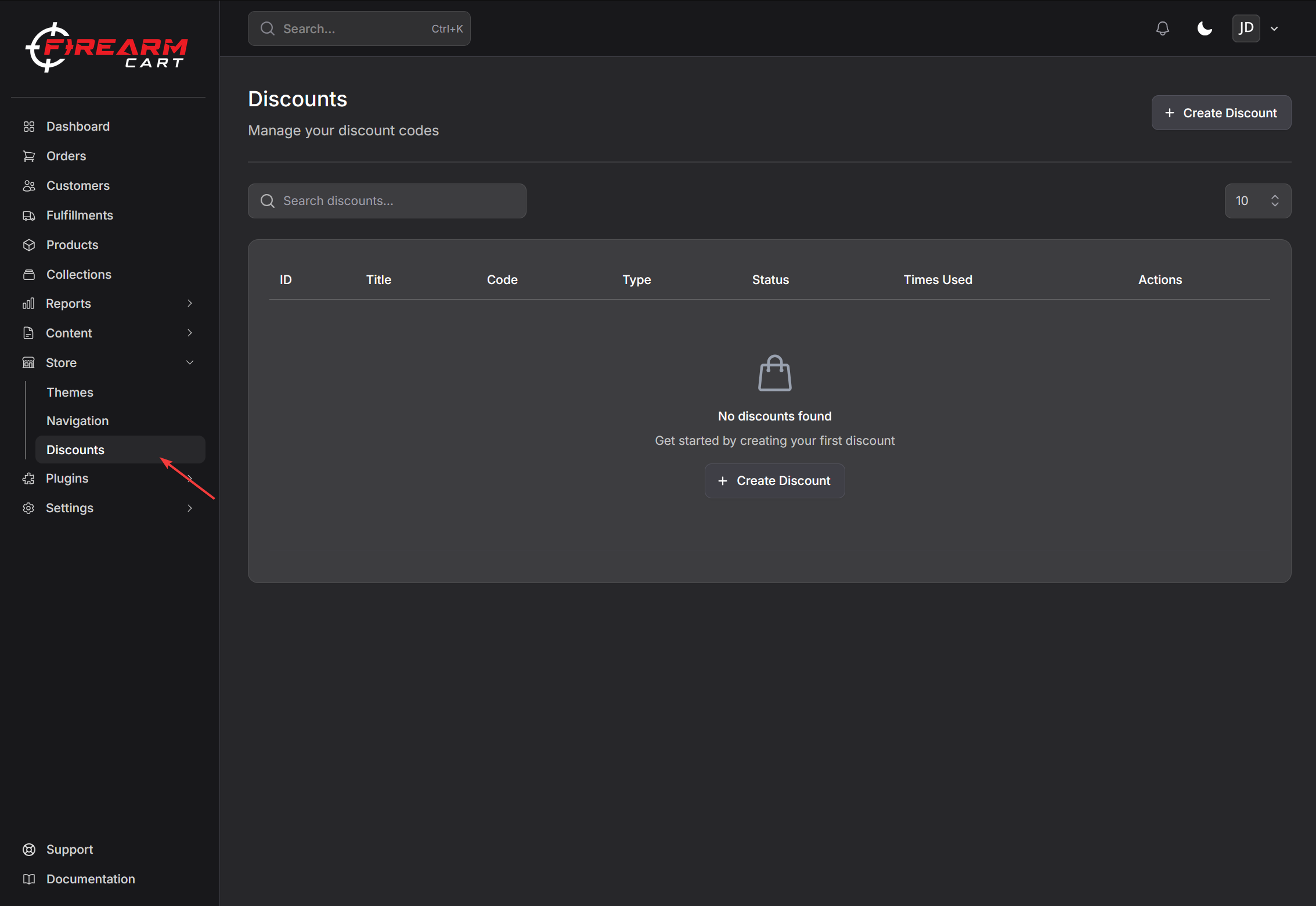
- Navigate to Store > Discounts
- Click Create Discount
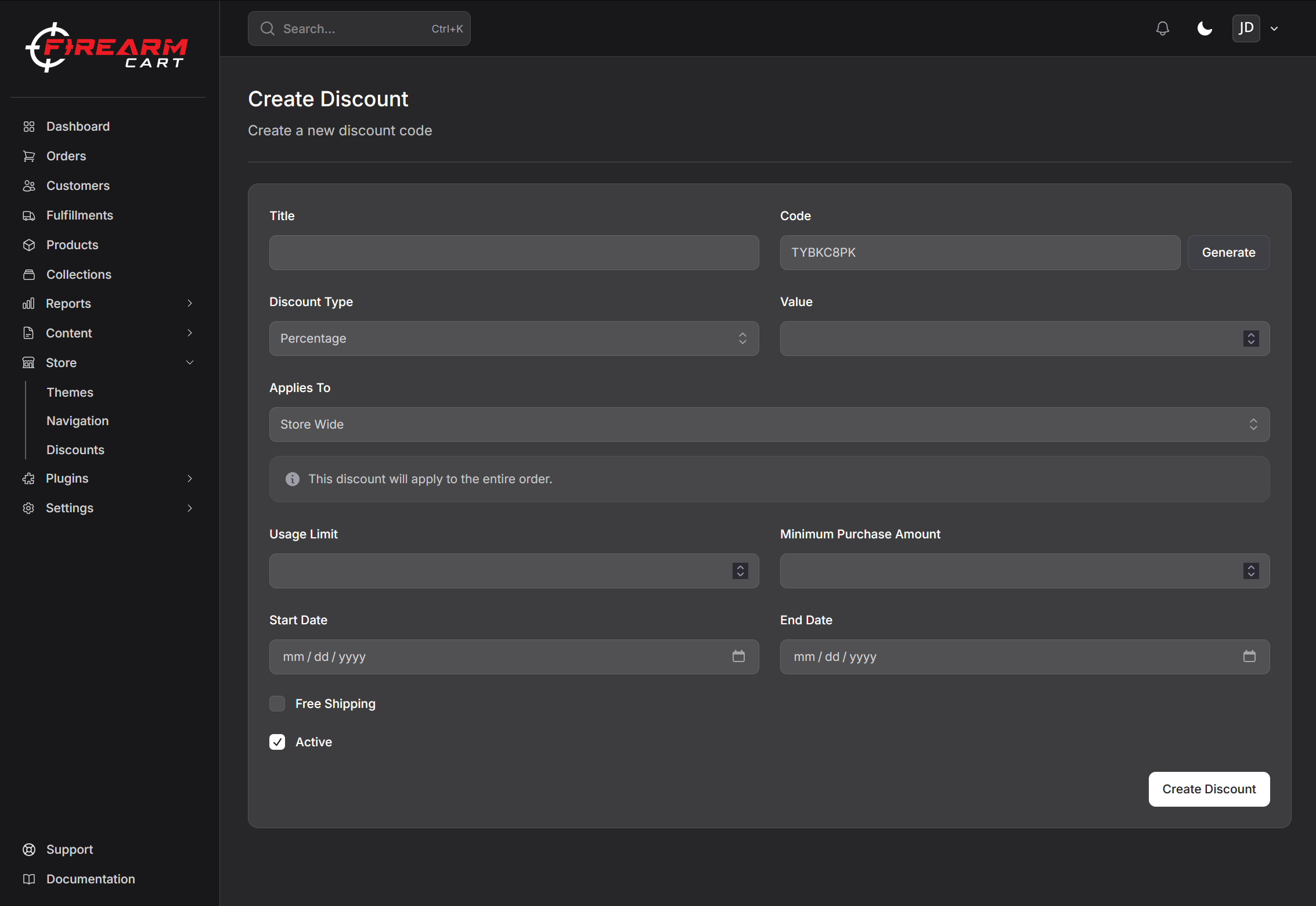
- Enter discount code (e.g., SAVE20)
- Select type (percentage or fixed amount)
- Enter discount value
- Configure settings
- Save
Discount Settings
Basic Settings
| Setting | Description |
|---|---|
| Code | The code customers enter at checkout |
| Type | Percentage or fixed amount |
| Value | Discount amount or percentage |
Applies To
Choose what the discount applies to:
- Entire order
- Specific products
- Specific collections
- Specific customers
Free Shipping
Toggle to include free shipping with the discount.
Usage Limits
Total Usage Limit
Set a maximum number of uses across all customers.
Active Dates
Set when the discount is valid:
- Start date - When discount becomes active
- End date - When discount expires
Minimum Requirements
Optionally require a minimum purchase:
- Minimum order amount (e.g., $100)
Managing Discounts
Viewing Discounts
Navigate to Store > Discounts to see all discount codes with:
- Code name
- Type and value
- Usage count
- Status (active/inactive)
Editing Discounts
- Click on a discount
- Make changes
- Save
Enabling/Disabling
Toggle the discount on or off without deleting it.
Deleting Discounts
- Open discount
- Click Delete
- Confirm
Customer Experience
At checkout:
- Customer enters code in discount field
- Clicks Apply
- Discount applied to order
- Savings shown
Related Documentation
- Checkout Settings - Checkout configuration
- Collections - Collection management