

Checkout Settings
Configure how your checkout works, including FFL collection, document requirements, and validation settings.
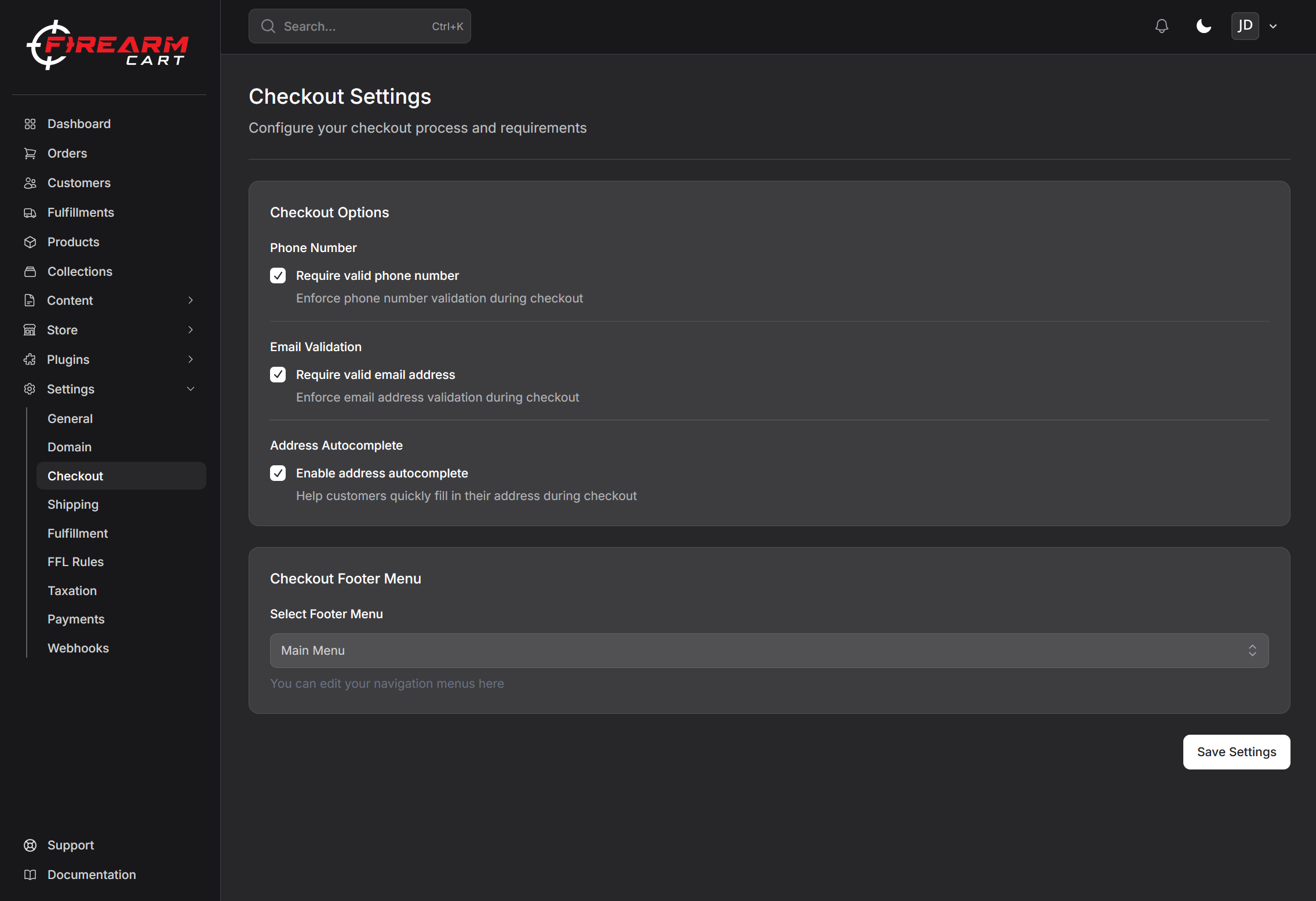
Accessing Checkout Settings
- Go to Settings > Checkout
- Update your preferences
- Click Save
Validation Settings
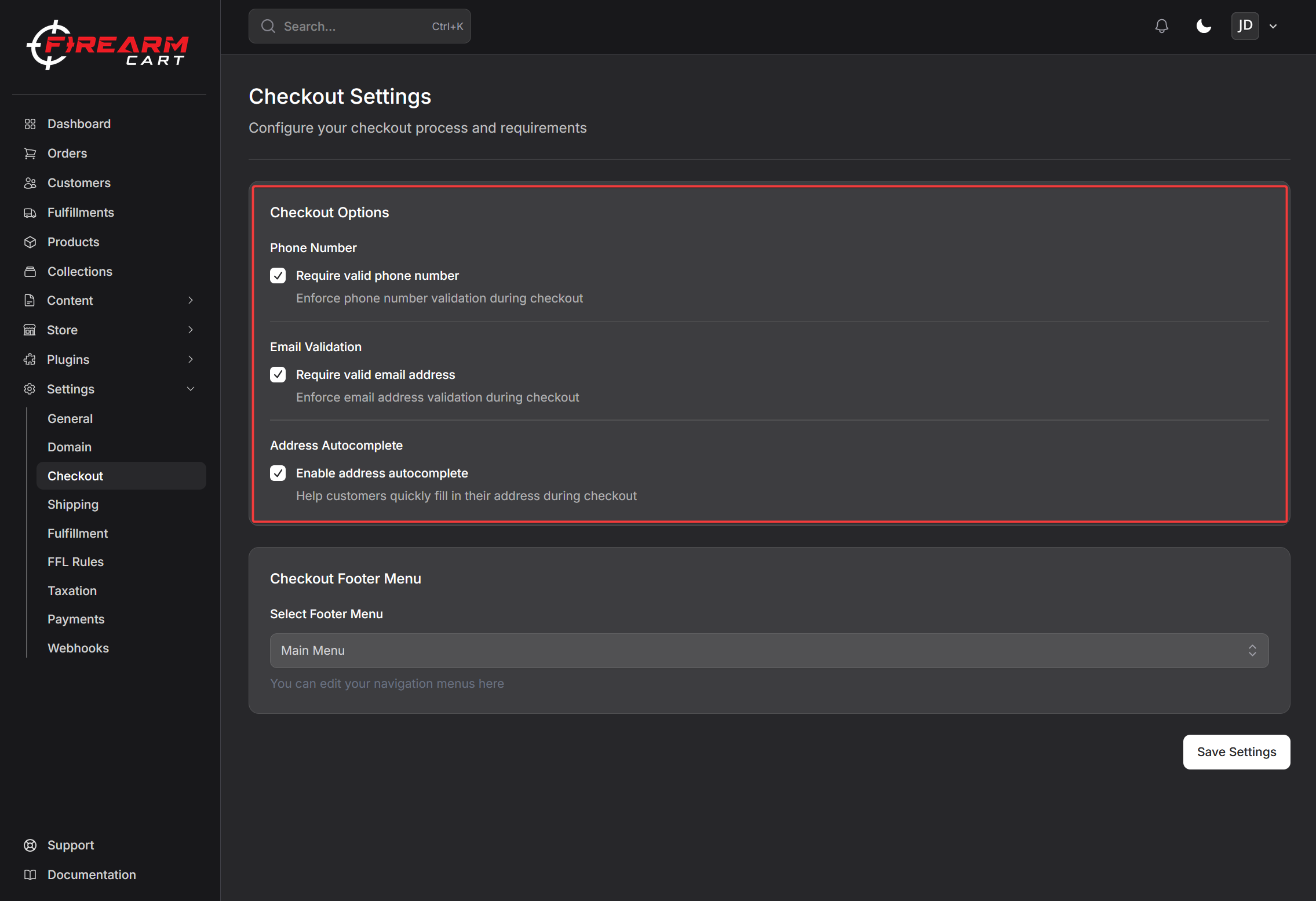
Phone Number Validation
When enabled, customers must enter a valid phone number at checkout.
- Useful for delivery coordination
- Required for adult signature deliveries
- Helps with order issues
Email Validation
When enabled, the system verifies the customer's email address is valid and formatted correctly.
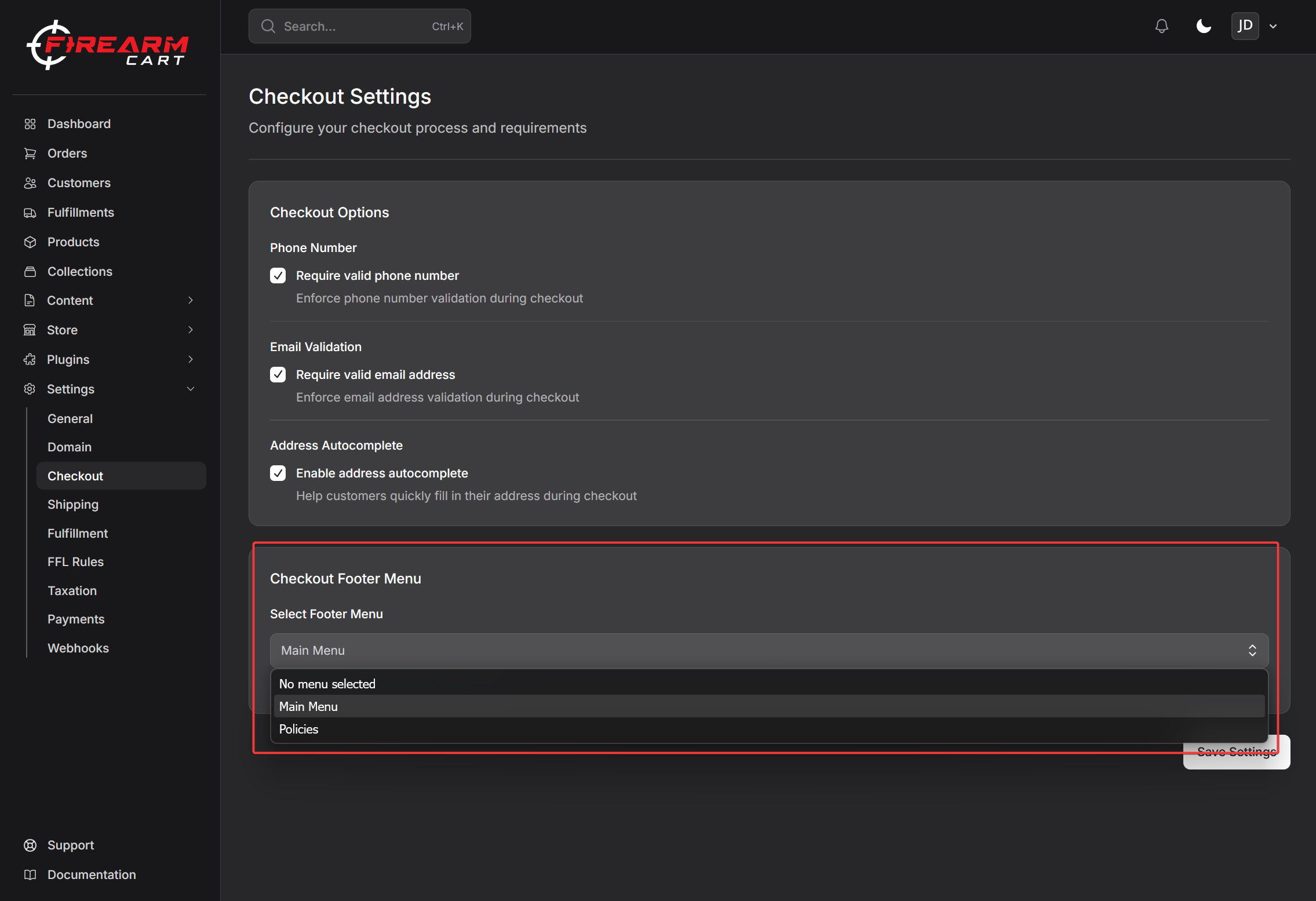
Footer Navigation
Select which navigation menu appears in the checkout footer.
This allows you to show important links during checkout, such as:
- Return policy
- Shipping information
- Contact page
How Checkout Works
Standard Orders
- Customer adds items to cart
- Enters contact information
- Enters shipping address
- Selects shipping method
- Enters payment information
- Completes order
Firearm Orders
When the cart contains firearms:
- Customer adds items to cart
- Enters contact information
- Selects an FFL instead of shipping address
- Selects shipping method
- Enters payment information
- Completes order
- Firearm ships to selected FFL for transfer
Related Documentation
- Shipping - Configure shipping zones and rates
- Payment Providers - Set up payment processing
- FFL Directory - Manage FFLs